
The patterns that hide the answer
# a config notebook, run first
%run nb_config        # sets lakehouse_abfss from config[env]

# a parameter cell, overridden by the pipeline
table = "players"

df.write.mode("overwrite").save(f"{lakehouse_abfss}Tables/bronze/{table}")- Paths, not names —
.save(path)toTables/…instead ofsaveAsTable. - Configs in other notebooks —
%run nb_configsets the lakehouse, often from the workspace name (getWorkspaceName().split("-")[-1]). - Parameter cells — defaults in the notebook, real values from the pipeline's Notebook activity.
- Variable Libraries —
notebookutils.variableLibrary.getLibrary("env"), different per value set. - Spark SQL —
%%sql CREATE OR REPLACE TABLE … AS SELECT,MERGE INTO, materialized lake views.
How to trace it by hand
- Check the table's Delta log:
engineInfotells you Spark wrote it and when. - Match the commit time to notebook runs in the monitoring hub.
- Open the notebook, follow its
%runnotebooks, look up the parameters the pipeline passed and the Variable Library's active value set, and evaluate the path yourself.
How Fabriscope does it
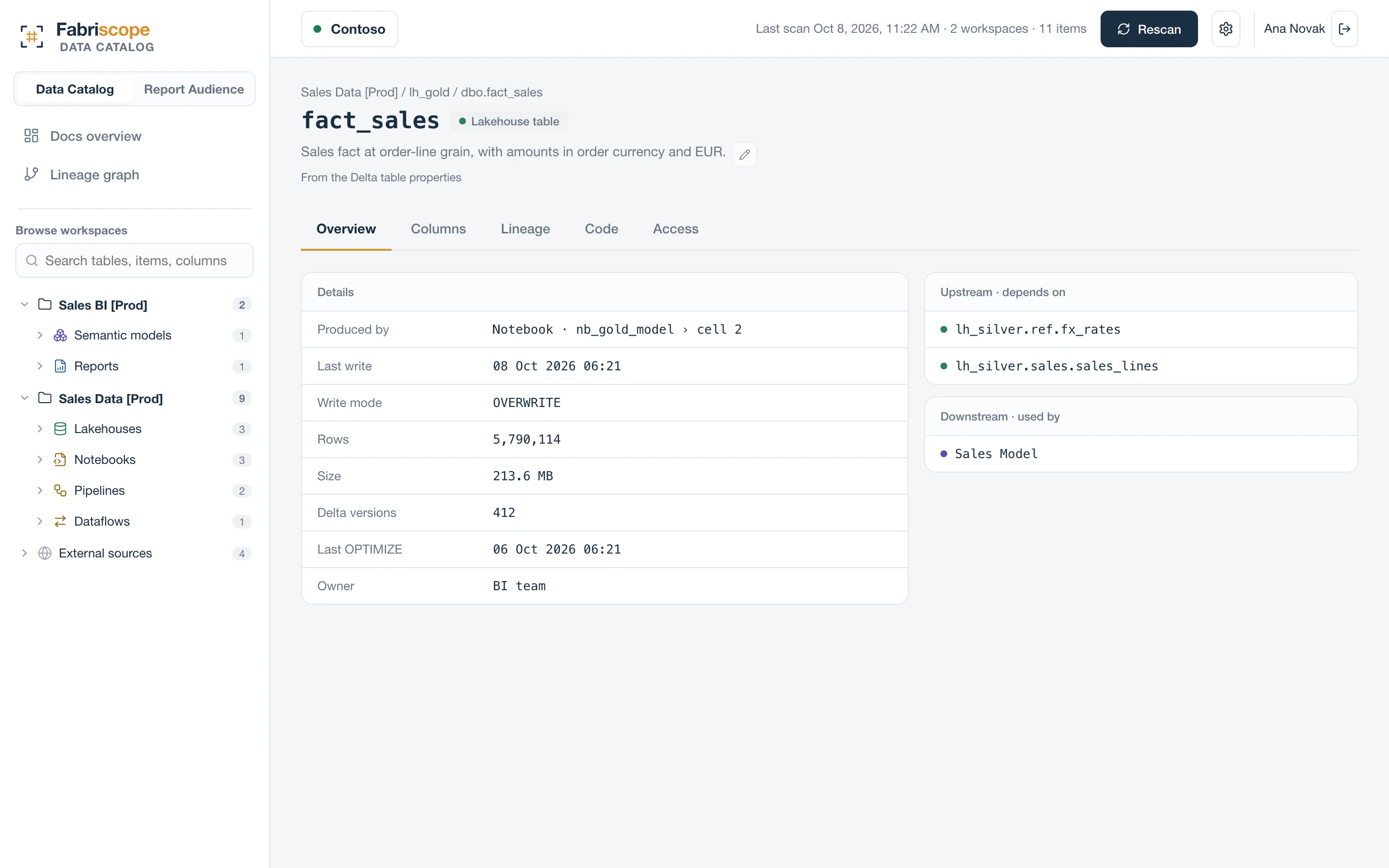
Fabriscope parses every notebook with the context it runs in: it follows %run notebooks, reads parameter cells and the parameters each pipeline passes, resolves Variable Libraries and the running workspace, and evaluates the f-strings and .format() calls config notebooks use. Each table shows the notebook, the cell and the write mode; each notebook has a page with its code, everything it writes and reads, and anything it could not resolve.
Questions
Does it run my notebooks?
No. It reads their definitions and parses them; nothing is executed and no data is read.
What if a path is only known at run time?
It is shown as dynamic, with the expression, rather than guessed.