
What Purview gives you for Fabric
- An inventory of Fabric and Power BI items in the data map, with their metadata.
- Lineage between items: data source → dataflow or pipeline → lakehouse or warehouse → semantic model → report, at the item level.
- A catalog across all your other sources, glossary, classification and policies — the reason organisations choose Purview.
Where it stops for a Fabric team
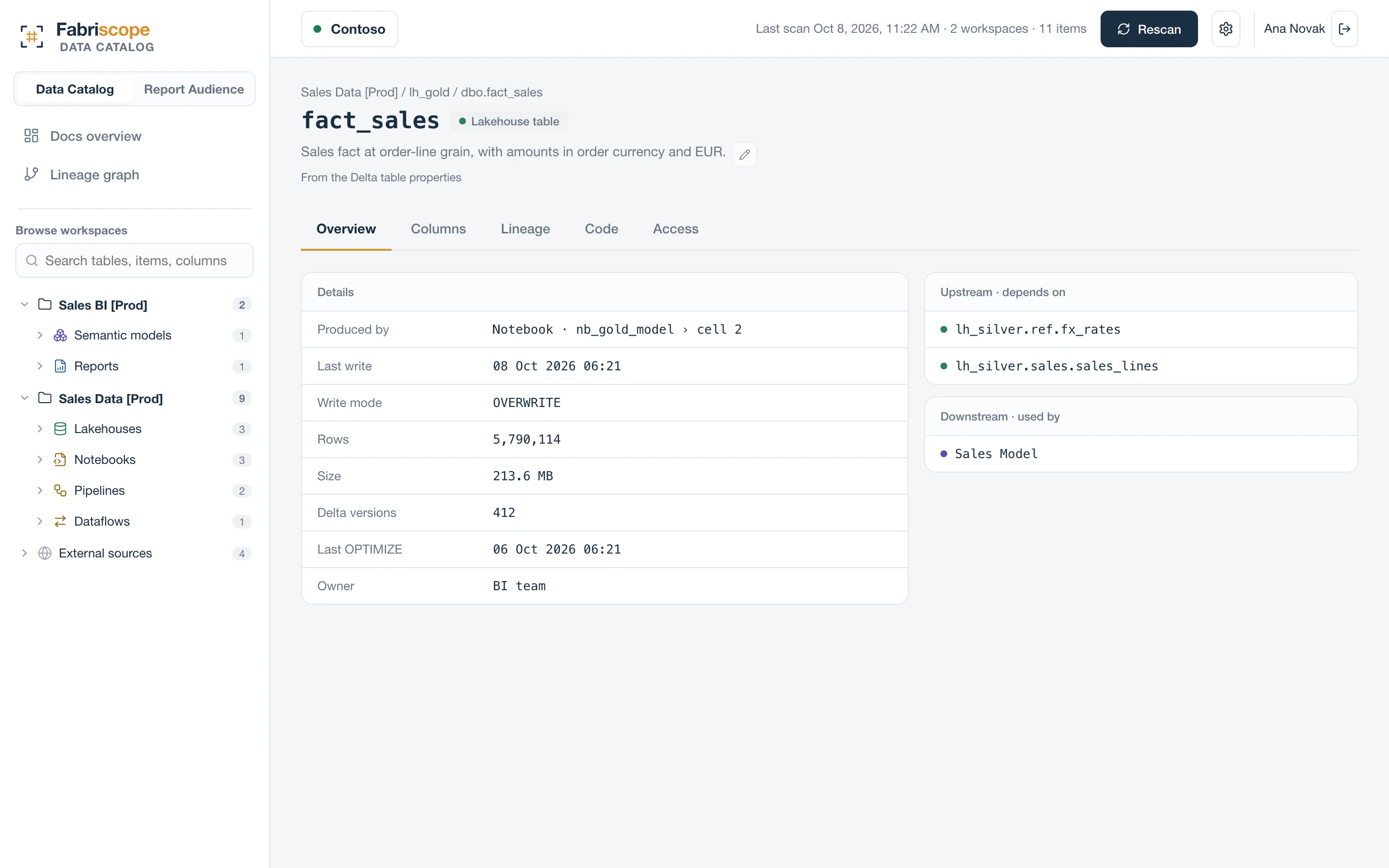
- Inside notebooks. Which of a lakehouse's tables a notebook writes, and from which cell, comes from parsing the code; item-level lineage connects the notebook to the lakehouse as a whole.
- Metadata-driven patterns. Targets that come from a config notebook, a parameter cell, a pipeline parameter or a Variable Library need the code and its context resolved.
- Who can see a report. Effective access — workspace roles, sharing, links, Entra groups and the semantic model behind the report — resolved to people is a separate question from lineage.
Capabilities change with every Purview and Fabric release; check what your tenant shows today.
Using both
Fabriscope is deliberately narrow: Fabric and Power BI, in depth. It reads the code inside Fabric items for table-level lineage and resolves access to the person. Keep Purview as your enterprise catalog; use Fabriscope when the question is “which notebook writes this table” or “who can open this report”. Setup is about 15 minutes, read-only, and needs no Purview changes.
Questions
Do I need Purview to use Fabriscope?
No. Fabriscope connects to your tenant directly with its own read-only service principal.
Does Fabriscope write anything to Purview?
No. It writes nothing to your tenant or to Purview.